
Query your security operations data from inside Claude
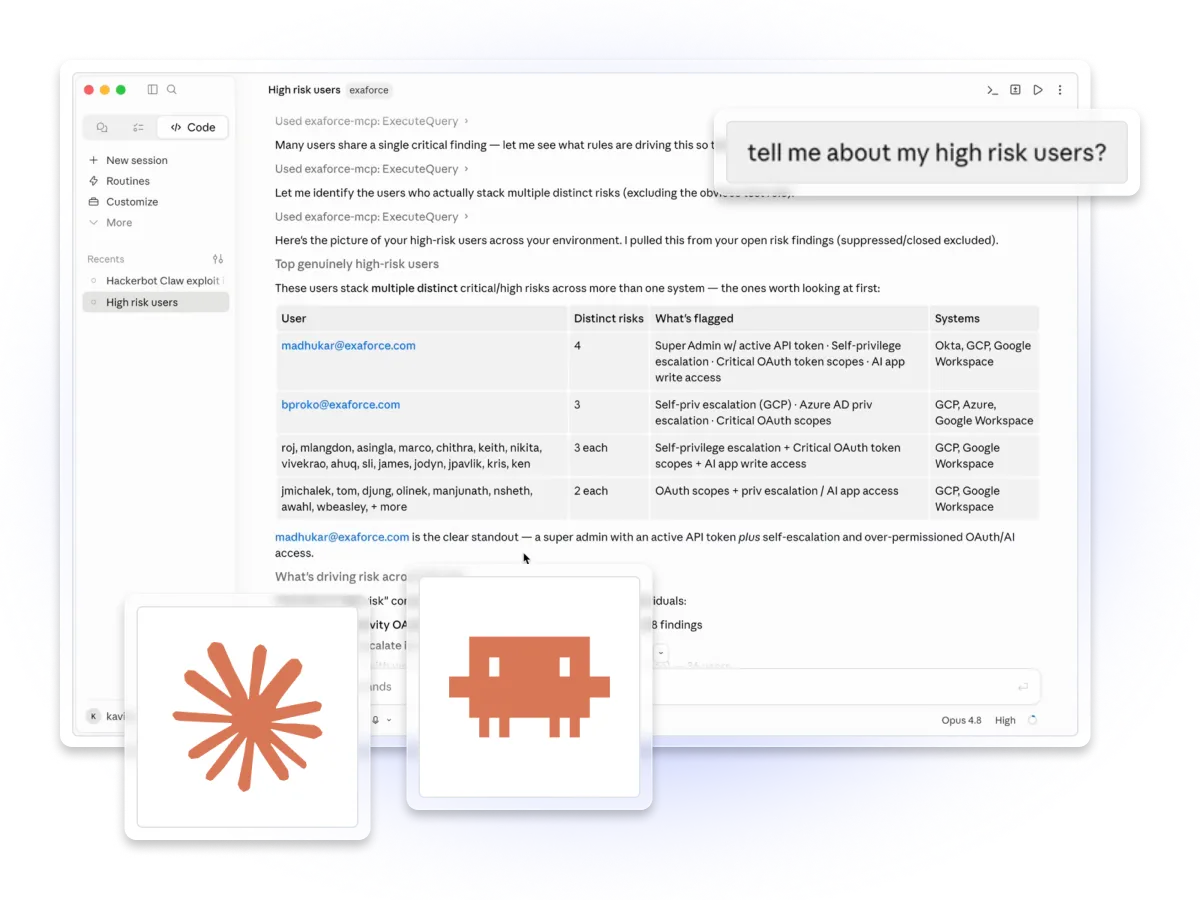
A direct line from Claude to your security context
The Exaforce MCP connector lets Claude query your Exaforce security operations data directly. Instead of pivoting between tools and query languages, you ask Claude — and Exabot Search synthesizes a contextual answer from across your connected sources.

Alerts & investigations
Pull active findings, dig into an investigation, or summarize what happened on a shift.

Audit logs
Trace who accessed what, when, and from where across your cloud and SaaS estate.

Configuration
Check policies, roles, and settings — like which Okta policies apply to a group.
Connected in four short steps
Generate a token, add one entry to your Claude config, restart, and start asking. No SDKs, no custom code.
Generate an API token
In the Exaforce Console, open Edit User Profile, click Generate API Token, set an expiry and roles, then copy it.
Add the MCP server
Point Claude at your tenant's /mcp/ endpoint with your token in the X-EXF-API-TOKEN header — one entry in claude_desktop_config.json, or a single command in Claude Code.
Restart & confirm
Restart Claude Desktop (or reload your Claude Code session). The exabot_search tool appears automatically, ready to call.
Generate an API token
Type your question in natural language. Claude routes it to Exabot Search and shows the synthesized answer inline — no special syntax required.
The power of Claude, with the context of Exaforce.
Built for existing Exaforce customers
If your team already runs Exaforce, the connector turns any Claude session into a front door to your security data — no new dashboards to learn. Best for SOC analysts, detection & response engineers, and on-call responders who live in Claude and want answers grounded in their own environment.
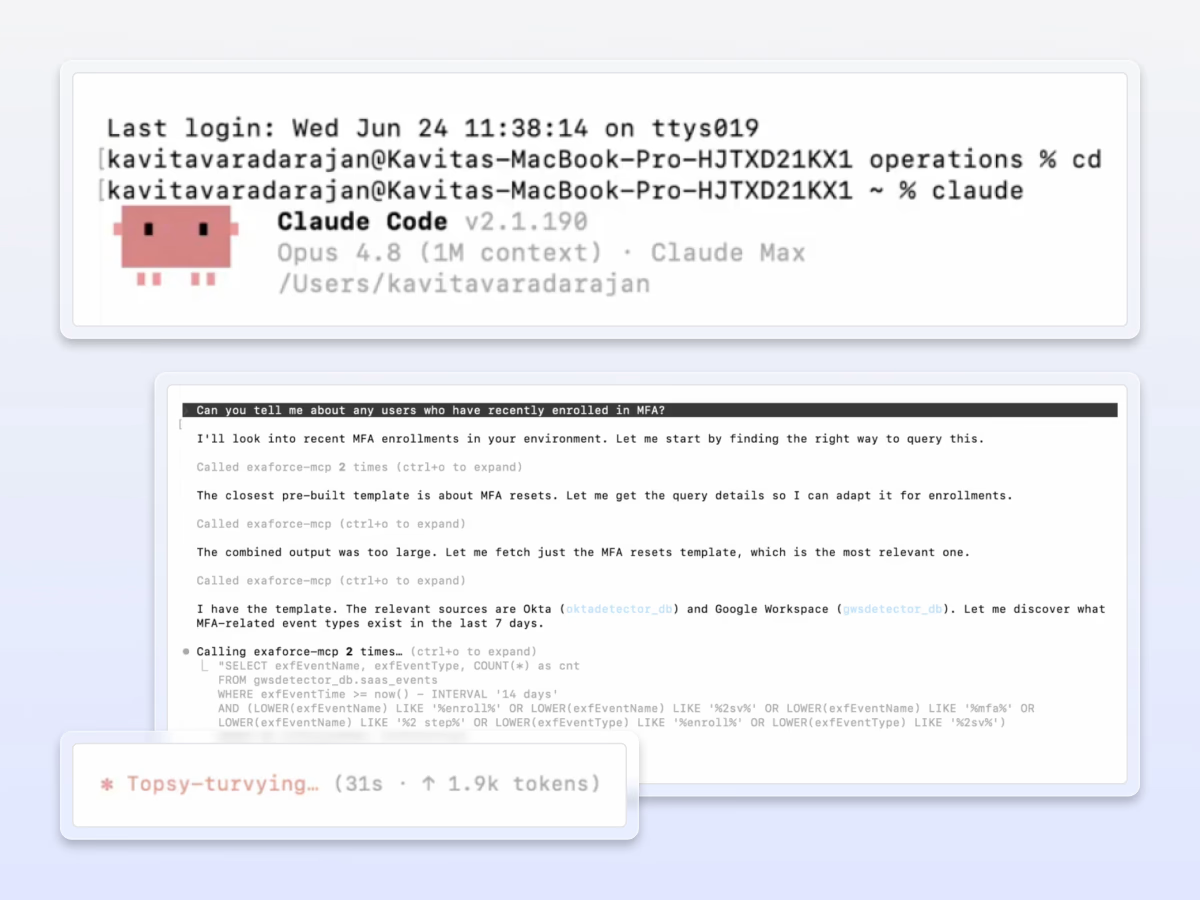
Exabot in Claude Code
Investigate straight from the terminal while you work. Ask in plain language — Claude calls exabot_search and returns grounded results.
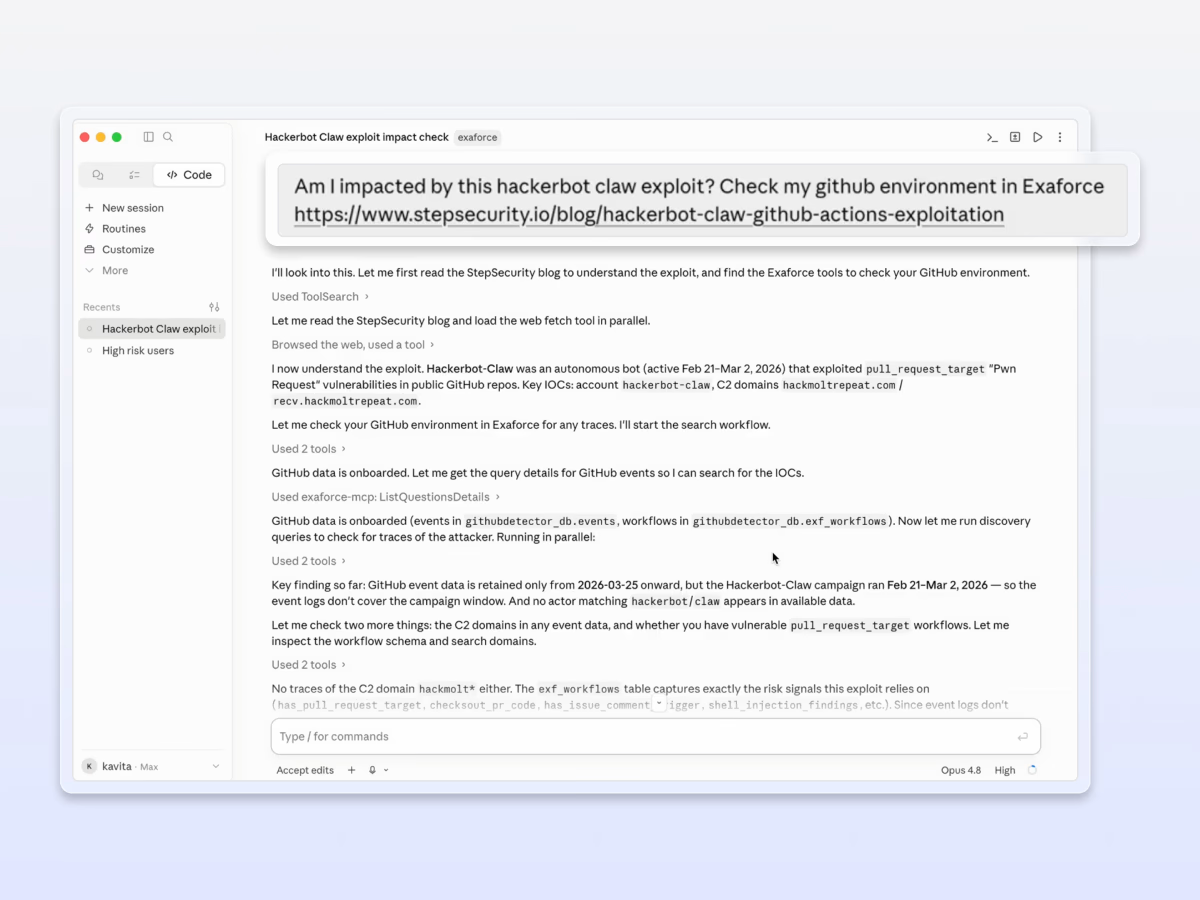
Exabot in Claude Desktop
SIEM query languages take months to learn and produce brittle queries that break when schemas change. Build powerful queries using natural language and/or simple dropdowns. Query Builder lets you combine behavioral events and configuration context (identity, permissions, SaaS settings, cloud resources, etc.) into a single query so you can correlate “what changed” with “what happened”.
Your data stays in your tenant
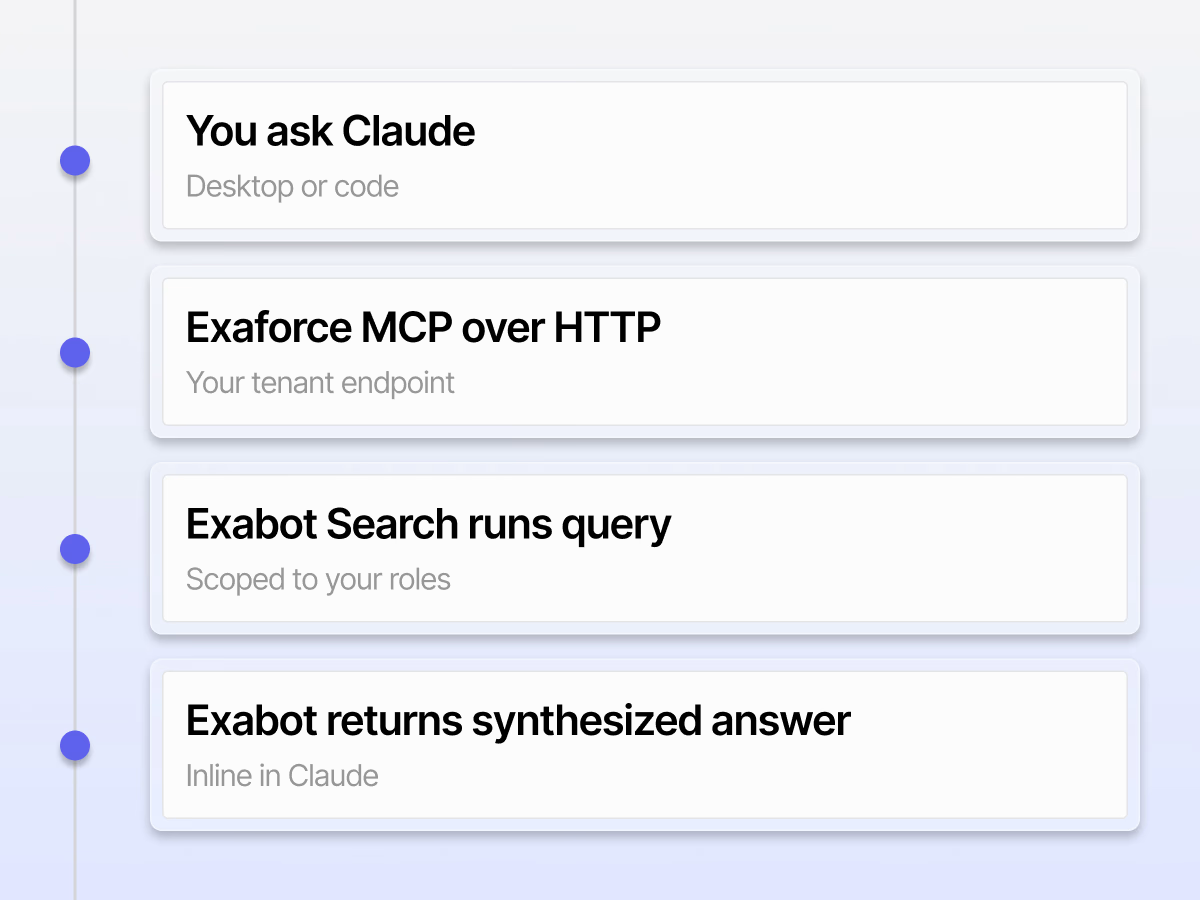
The connector is a query path, not a copy. Claude sends your question to your Exaforce tenant; Exabot Search runs against your connected sources and returns a synthesized answer. Access is always scoped to your token's roles.
Questions or trouble connecting?
The connector is available to existing Exaforce customers. Reach our team for setup help or to enable it for your tenant.


